
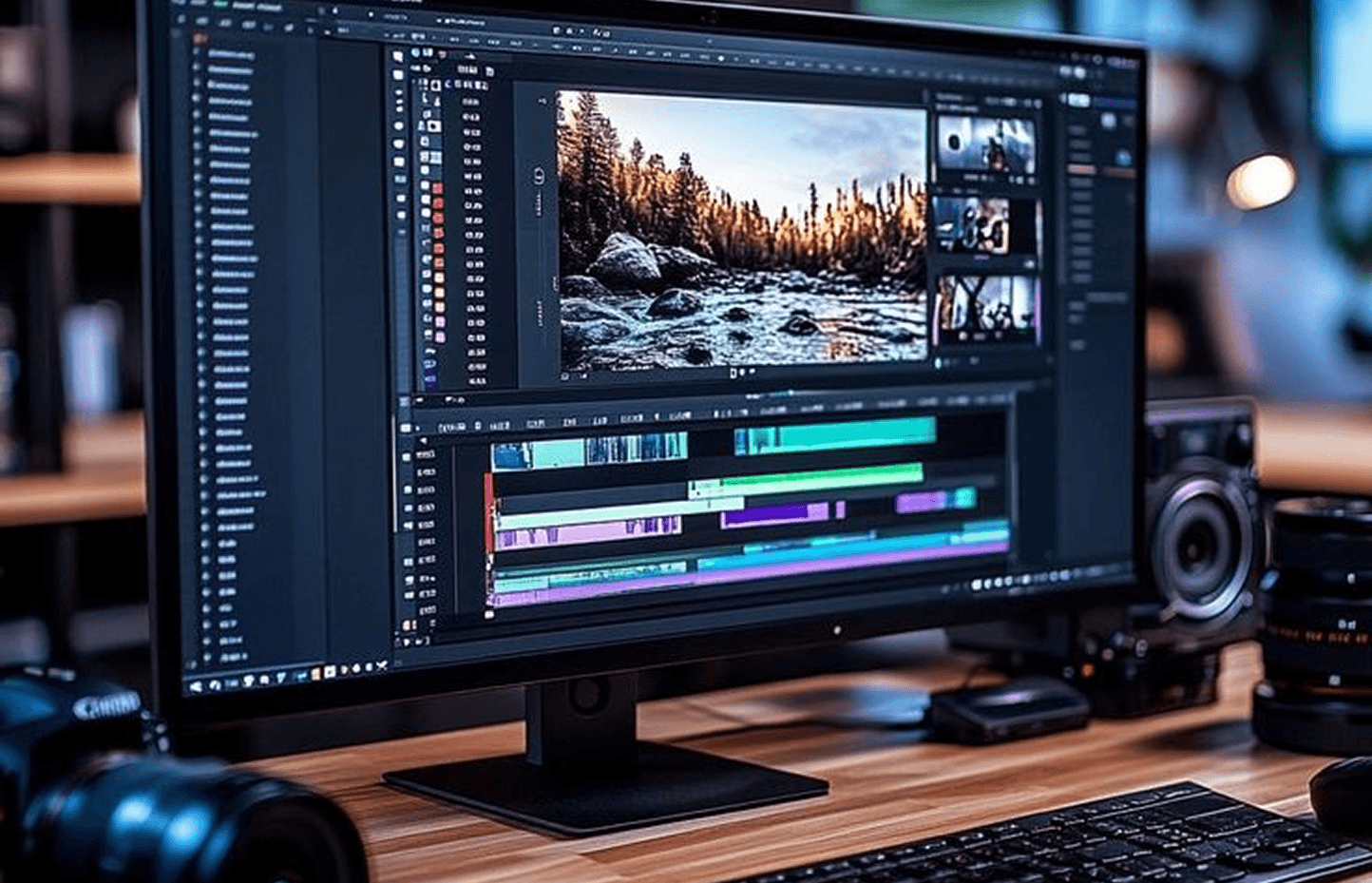
Video Editing & Montage Track
Master video editing from start to finish. You will learn Adobe Premiere Pro and DaVinci Resolve for cutting, arranging, coloring, and mixing audio for professional clips.
 Practical Applications
 Graduation Project
 Certificate of Completion
Overview of the course
Video editing is the process of turning raw footage into a compelling story. In this track, you first learn the basics of editing, cutting clips, and arranging them chronologically. Then you move to professional software like Premiere Pro and DaVinci Resolve. Finally, you learn color correction, audio mixing, and adding transitions.
What will you learn?
Visual production stages: pre-production and post-production
Adobe Premiere Pro interface and basic cutting and arranging tools
Project management, libraries, and clip organization
Transitions, filters, and layers in editing
Working with audio: recording, cleaning, mixing, and syncing
Basic color correction
Professional color grading using DaVinci Resolve
Adding titles, lower thirds, and captions
Exporting video with different settings for YouTube and social media
Practical application on short video editing (reel, introductory video)
The levels within the path
Editing Basics and Premiere Pro
Learn the Premiere Pro interface, creating projects, importing clips, cutting and arranging on the timeline, and adding simple transitions and text.
Audio and Color Correction
This level focuses on improving audio quality, removing noise, syncing audio and video, and basic color correction to make the video more professional.
DaVinci Resolve and Professional Color Grading
Move to DaVinci Resolve, the most powerful video color grading software, and learn to create a cinematic look, export video in different formats, and complete a full editing project.
After completing the course, you will be able to
- Edit short and long videos for YouTube and social media
- Improve audio quality and color correct videos professionally
- Use Premiere Pro and DaVinci Resolve in real projects
- Deliver publish-ready videos at the highest quality and smallest size
Admission Requirements
- A medium to powerful computer (for smooth video playback)
- No prior experience required, but a passion for visual content is preferred
Get a certificate Video Editing & Montage Track
3 levels in this track
- Editing Basics and Premiere Pro
- Audio and Color Correction
- DaVinci Resolve and Professional Color Grading
Why Choose Sky Sidra Academy?
Training programs that combine learning and application to help you discover your abilities and achieve your goals.

Professional Trainers
Learn from trainers with academic and practical experience in various technical and administrative fields.

Programs that Keep Pace with the Labor Market
Learn through projects and practical applications that simulate the actual work environment and help you build real experience.

Hands-on Training
Training programs based on practical application and practice, to empower you to build real experience and enhance your professional readiness.

Supportive Learning Community
Join an educational environment that helps you interact, communicate, and build a professional network.

Accredited Certificates
Get certificates that help enhance your professional portfolio and highlight your acquired skills.

Business Incubator & Project Building Opportunities
We don't just provide training; we support ideas and emerging projects to turn them into reality.
Your future begins with a step.
Start your learning journey today and acquire the skills that qualify you for the labor market and help you achieve your goals.